Terrain and Object Generation
C++
Overview
I wanted to create a system that could take a height map and populate it with objects, allowing a user to generate a map and fill it with something like trees quickly
Terrain Generation
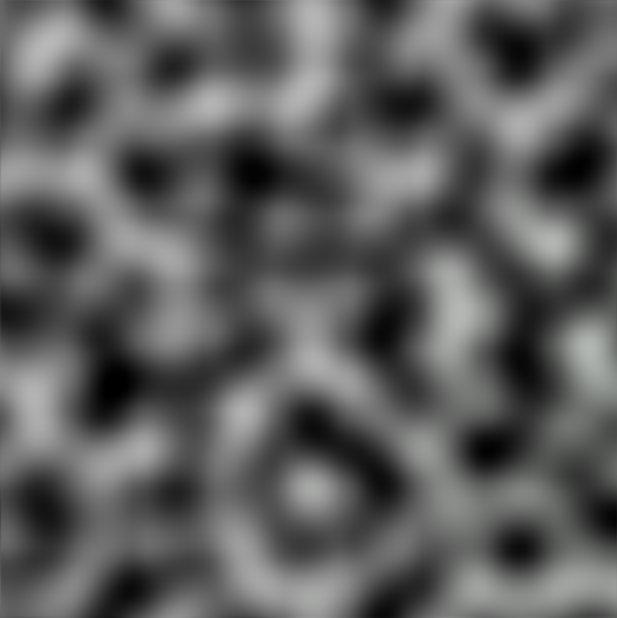
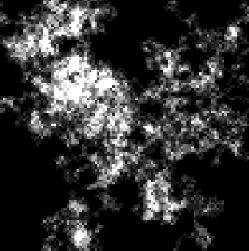
The first thing I needed was terrain for my objects to generate on. I created a perlin noise generator to generate a heightmap, then created a simple mesh with a vertex at each point along the heightmap. However, this resulted in fairly smooth terrain, which I wanted to be more extreme for testing, so I created a simple random-walk generator, which would also create a heightmap.
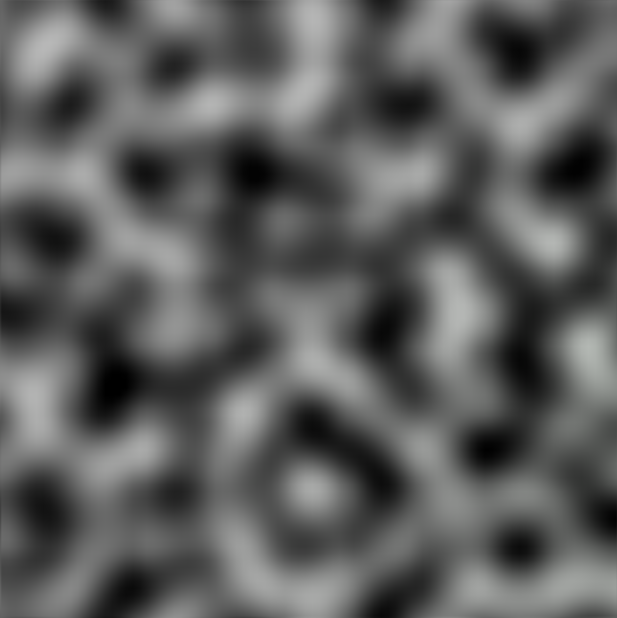
Perlin Noise
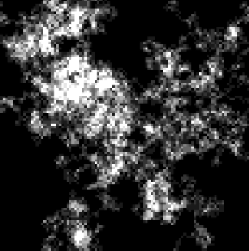
Random Walk
Object Generation
Poisson disc distribution
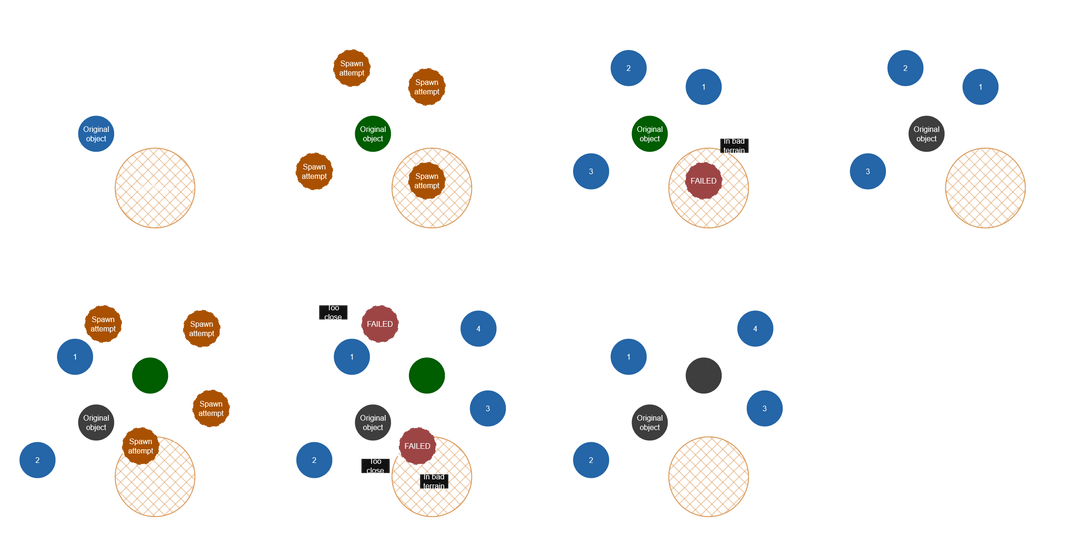
T o distribute the objects evenly, I used a Poisson disc distribution. The program starts by creating an object at a random position, and attempting to spawn several new objects around it. If it succeeds, those objects will be added to a list, and the program will go through each object on the list and do more spawn attempts around them.
For each spawn attempt, the program will choose a random position in a ring around the original object’s position, and see if that spot meets the object's spawn conditions (see Spawn Conditions). If it does, the program will check if the new object is colliding with any of the existing objects, and if no collisions are detected, the attempt will succeed.
This continues until every object in the list has been checked.
Spawn conditions
One of the primary things I wanted to accomplish was making sure objects would fit in with their surroundings, such as by making sure they wouldn't clip into the terrain too much. To do this, I added settings that could be tweaked when spawning an object to determine what terrain it should be allowed to spawn on.
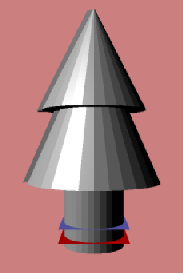
One of these conditions was how much the object overlapped the ground, and where the overlap should start/ end. When spawning an object, the program would get the height range of the area it was spawning, and see if the object could be spawned at a position where the anything above the overlap max would be above ground, and anything below the overlap min would be below ground.
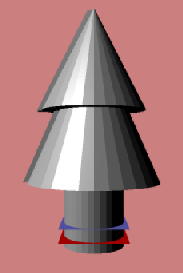
Overlap preview (Red is min, blue is max)
I also wanted to provide the option of having the objects match the rotation of the slopes they spawned on, to fit in better with the terrain.
To do this, I used an “Ordinary Least Squares” approximation, which is used to determine the line of best fit for a collection of points. This approximation is normally just used for points in 2D space though, so to get it to work with the 3D slope, I calculated the x slope & z slope separately, then combined them for the final rotation.

Example of the Ordinary Least Squares approximation (Image from wikipedia)